
For DTF shops
DTF printing software
Turn the day's approved orders into packed gang sheets, then print, press and ship.
Gang sheets built for you
Dyenzo packs every released print file onto sheets at your film width, with the gap you set and turns where you allow them, and makes the sheet PDF and a cover list.
Orders in, transfers out
- Online orders from your website, stores and Shopify
- Print-readiness checks for each design
- Sheets marked printing and printed, so nothing prints twice
What DTF software needs to do
DTF printing is fast and flexible, but the time goes in the gaps. Someone has to check each file, lay the day's designs onto a gang sheet by hand, track which transfers belong to which order, and make sure nothing prints twice. DTF software should do that work for you. Dyenzo takes orders from every channel, checks the art, builds the gang sheets and keeps each transfer tied to its order through pressing, packing and shipping.
Step 1: orders come in
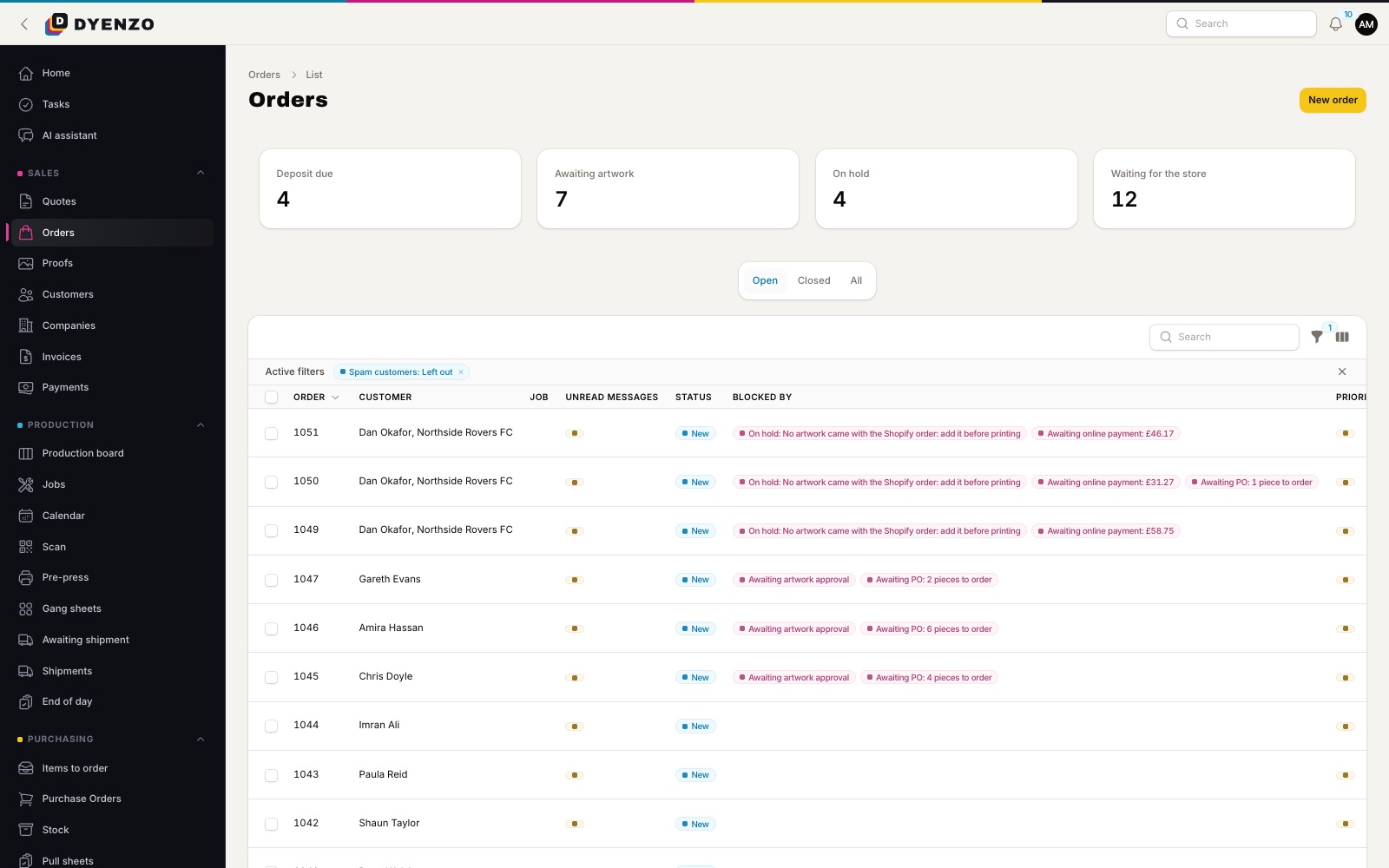
Customers design on your website with the online designer, buy from team and company stores, order through your merchants' Shopify stores or from marketplaces. Every order arrives priced from your DTF price grid, by size or by print area, with the design attached. Phone and email orders go in as quotes and become orders when accepted.
Step 2: check the art
DTF needs a clean file. Dyenzo checks each design against your DTF settings: a transparent background, enough resolution at the print size, the maximum print width and height, and the safe zone. Problems show before the order is placed when the customer designs online, and on the proof when you set it up yourself. Where a picture needs work, staff can remove the background, upscale it or reduce its colours, and the result goes back for approval.
Step 3: release the print files
Once the proof is approved, Dyenzo makes each print file at its exact size, as a PNG or SVG. Nothing is overwritten: a new approval makes a new set of files, so you always know which version printed.
Step 4: build the gang sheets
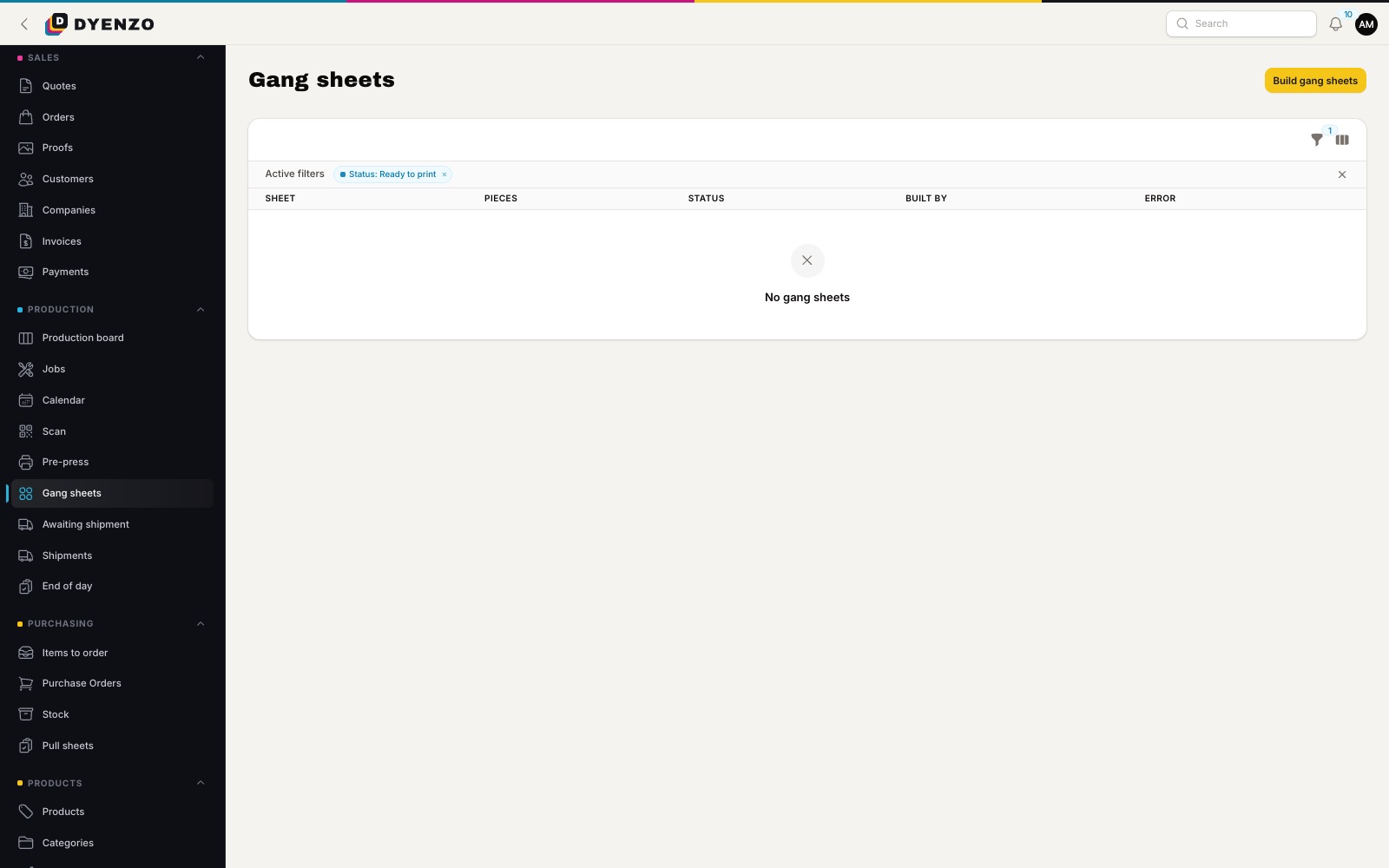
Open Gang sheets and press build. Dyenzo lays every released DTF print file from your open orders onto sheets at your film width, with the gap you set between pieces, turning pieces 90 degrees only if you allow it. The layout is the same every time for the same files. Sheets can run up to five metres long. Each sheet comes as a PDF at its exact size with a cover list of the orders, order codes, file names and pieces on it.
- Film width, gap and turns set once for the method
- Only released, approved files are ganged
- Pieces already on a printing or printed sheet are never ganged again
- A piece too big for any sheet is reported, not dropped
Step 5: print, press, pack
Mark a sheet as printing when you send it to the printer, and printed when it comes off. A rebuild later in the day leaves those sheets alone and lays out only what is new. Pressing jobs move across the production board by stage, and the cover list tells the packer which transfers go with which order. Scan the order code to pull it up.
Step 6: ship and get paid
Buy shipping labels, print packing slips and send tracking. Website orders are paid at checkout, so the invoice is issued for you. Trade customers can pay on account and get statements.
One system for the whole DTF shop
Gang sheets are one part of the job. The same system runs your quotes, proofs, purchase orders for blanks, the production board, shipping labels and invoices, and syncs to QuickBooks Online or Xero. A DTF order is never a separate island that someone has to copy across by hand.
Fewer misprints, less wasted film
Most wasted film comes from two mistakes: printing a file that was not ready, and printing the same transfer twice. Dyenzo blocks the first with print-readiness checks before release, and the second by tracking every piece on every sheet. Packing pieces tightly at your film width also means less blank film between designs.
Questions
What width can a gang sheet be?
The width you set for the method, up to five metres long.
Can gang sheets go straight to the print station?
Yes. A station can have a hot folder address that lists its ready gang sheets, so the print PC collects them without anyone downloading files by hand.
What happens if an order is cancelled after the sheet is built?
Build again. Unprinted sheets are replaced with a new layout that leaves the cancelled pieces out. Sheets already printing are kept as they are.
Do customers have to build their own gang sheet?
No. Customers upload their artwork in the designer, and Dyenzo builds the sheets from your orders.
Related
Dyenzo is opening to its first print businesses
Write to us for early access. Tell us what you print and which modules you need.