
For embroiderers
Embroidery business software
Price by stitches, see the design in your thread colours, and keep every order moving.
Stitch files, read properly
Dyenzo reads and writes DST and EXP files, measures stitch count and size from the file itself, and draws a stitch preview in the threads you choose.
Priced the way embroiderers price
- Price grids by stitch count
- Digitising fees once per design
- Thread colour limits per team store
- Repeat orders without a new digitising charge
Software built around how an embroidery business works
An embroidery business lives and dies by the stitch file. Price it wrong and a big logo loses money. Show the customer the wrong thread colours and you sew the order twice. Embroidery business software should read the file, price it by stitches, show the customer what it will look like and keep the order moving. Dyenzo does all of that, alongside the quotes, purchasing, production and invoicing the rest of your shop needs.
Step 1: the customer sends a logo
Customers upload a logo on your website, in the online designer or through your customer portal, or you add it to the order yourself. Once your digitiser has made the stitch file, upload the DST or EXP file to the order. Dyenzo reads it and measures the stitch count, the number of colour stops and the sewn size from the file itself, and refuses a damaged file before it reaches a machine.
Step 2: price by stitch count
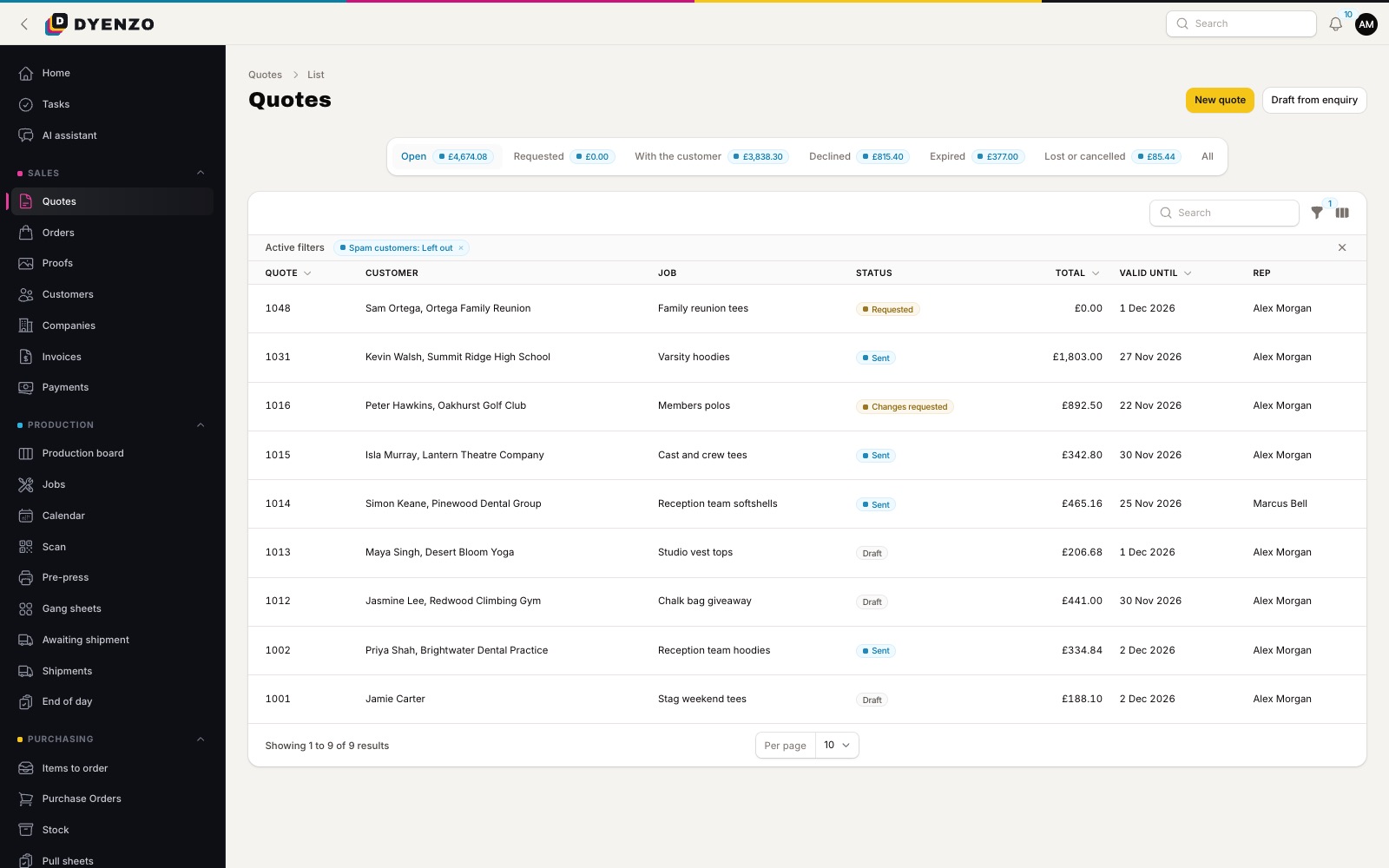
Set price grids by stitch count and quantity for each location: left chest, back, sleeve or cap front. Charge a digitising fee once per design, and Dyenzo will not charge it again when the same design is reordered. You can also price digitising by the size of the design. Price breaks, minimum quantities and line minimums work the same way as for any other method.
Step 3: a stitch preview in your thread colours
Dyenzo draws a stitch preview from the DST or EXP file, so mockups and proofs show stitches rather than a flat logo. Pick the threads and the preview is redrawn in those colours. Build thread palettes from our starter colours or import your own thread chart as a text file. A team store can have its own palette and a limit on the number of thread colours, so a club cannot order a twelve-colour badge on a five-colour budget.
Step 4: proof and approval
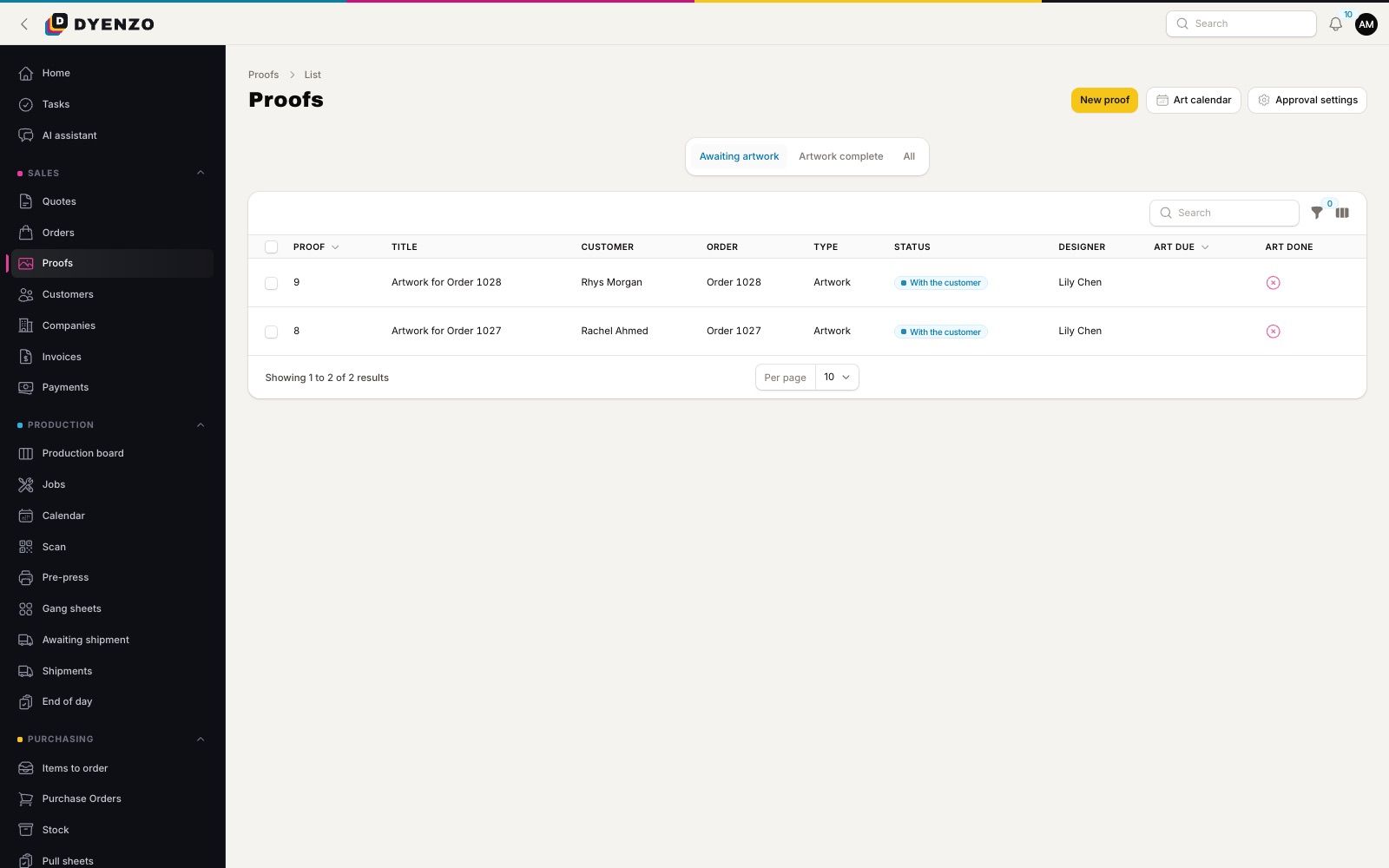
Send the proof with the stitch preview on the garment. The customer approves it online or comments with a picture. You can hold approval until the deposit is paid. When the design sews at a different size from the location you picked, Dyenzo warns you.
Step 5: machine files and production
Approved orders make embroidery jobs on the production board. The print pack carries each stitch file in your machine format, DST by default, next to the customer's own file, and the run lists stitch count, stops, size and threads for each design. Jobs move by stage, from hooping to sewing to trimming and packing, using the stages you set. Scan the job ticket to move it on and record pieces sewn.
Step 6: ship and invoice
Buy labels, print packing slips, send tracking and issue the invoice. Card payments go to your own Stripe account. Company customers can pay on account within a credit limit and get monthly statements.
What Dyenzo does with stitch files
| Task | In Dyenzo |
|---|---|
| Read DST and EXP files | Yes, stitch count, stops and size measured from the file |
| Convert between DST and EXP | Yes |
| Stitch preview in chosen threads | Yes, on mockups and proofs |
| Thread palettes and charts | Starter colours, or import a text thread chart |
| Digitise artwork | No, that stays with your digitiser |
Team, club and company work
Much embroidery work is repeat business for clubs, schools and companies. Give each one a store with its badge on the range and a thread limit that matches the logo. Their orders arrive with the stitch file already approved, priced from your stitch count grid, and go straight onto the production board.
Questions
Do you digitise logos?
No. Dyenzo reads, converts and previews stitch files; digitising stays with your digitiser.
Which embroidery file formats can Dyenzo read?
Dyenzo reads and writes DST and EXP files and converts between them. Keep your digitising software for other formats.
Can I charge more for a bigger logo?
Yes. Price grids go by stitch count, so a bigger design with more stitches costs more. Digitising can also be priced by size.
Does it work for mixed shops that print as well as embroider?
Yes. Each decoration method has its own pricing and its own production job, so one order can carry an embroidered polo and a printed tee.
Related
Dyenzo is opening to its first print businesses
Write to us for early access. Tell us what you print and which modules you need.